The disavow tool is one of the most misunderstood instruments in technical SEO. Since Google introduced it in 2012, it has been overused, underused, and used at entirely the wrong times. In 2026, with algorithmic spam detection more sophisticated than ever, most SEOs still get this wrong — either submitting massive disavow files out of paranoia, or ignoring genuinely toxic link profiles that are actively suppressing rankings.
This guide cuts through the noise. We'll cover when disavowing is actually warranted, when it's counterproductive, how to build a defensible disavow file, and what the data says about outcomes. If you're auditing a site for the first time or reviewing an existing disavow file, this is the framework you need.
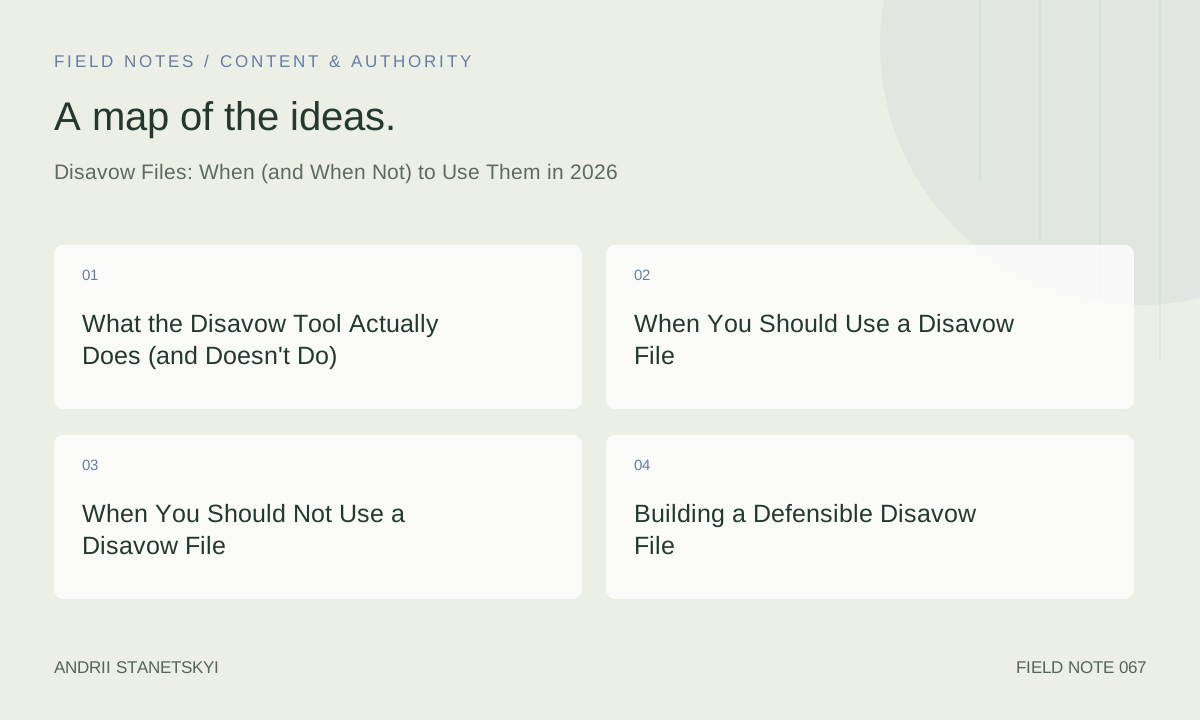
What the Disavow Tool Actually Does (and Doesn't Do)
When you submit a disavow file to Google Search Console, you're asking Google to ignore specific links or entire domains when assessing your site's link profile. Google processes the file and — in theory — treats those links as if they don't exist for PageRank and spam signal purposes.
What it doesn't do:
- Remove the links from the web or from third-party tools like Ahrefs, Majestic, or Semrush
- Guarantee recovery from a manual action
- Instantly change rankings — processing takes weeks
- Protect you if the same domain builds new links to you later
John Mueller has repeatedly clarified that Google's algorithms already ignore most low-quality links automatically. The disavow tool exists primarily for situations where algorithmic filtering hasn't been sufficient — or where a manual action has been applied. This is the critical nuance most SEOs miss.
Google's spam systems (formerly known as Penguin, now integrated into core) run continuously and algorithmically neutralize the vast majority of spammy links. The disavow file is a manual override on top of that system — useful in specific scenarios, not a general-purpose cleanup tool.
When You Should Use a Disavow File
1. You've Received a Manual Action for Unnatural Links
This is the clearest case. If Google Search Console shows a manual action citing "unnatural links to your site," you must address those links before submitting a reconsideration request. The disavow file is part of that remediation process — alongside actually removing links where possible.
Document every removal attempt. Google's reconsideration reviewers expect to see evidence that you tried to remove links manually first. Only after genuine outreach attempts (with bounced emails, ignored requests, proof of contact) should you rely on the disavow file for what remains.
2. You've Bought Links and Want to Exit Cleanly
If a site you acquired or a campaign you inherited involved deliberate link purchasing — PBNs, paid guest posts on link farms, fiverr gig links — and you want to cease that activity without carrying the historical risk, disavowing those domains is appropriate. Google can see the pattern even when algorithms don't penalize it immediately.
3. You're Acquiring a Site with a Toxic History
Pre-acquisition audits regularly surface sites that survived algorithmic penalties or have dormant manual actions. Running a thorough backlink profile audit before closing the deal is essential. If you're acquiring such a site, submitting a disavow file early — before you start building new, legitimate links — creates a clean slate.
4. Competitor Negative SEO Is Measurable and Ongoing
Genuine negative SEO attacks — where a competitor bulk-builds spammy links to your site — are rarer than claimed, but they do happen. The threshold for "measurable impact" is key. If you see a sudden spike in referring domains from obvious spam networks (casino redirect chains, hacked .edu sites linking to unrelated content, mass exact-match anchor text from new domains), and your rankings have dropped, disavowing those domains defensively is reasonable.
Don't disavow preemptively based on link notifications alone. Google almost certainly ignores the majority of these automatically.
5. Historical Penalty Recovery
Sites that were penalized under older Penguin versions and have never properly recovered sometimes carry a residual disavow file that's outdated or incomplete. A full audit combined with a refreshed disavow strategy can unlock recoveries that have stalled for years.
When You Should Not Use a Disavow File
This is where most practitioners go wrong. Here are the situations where disavowing is actively harmful or wasteful:
Low-DR Links with No Spam Signals
A DR 5 blog that linked to you three years ago isn't a threat. Low authority alone is not a reason to disavow. Ahrefs DR, Majestic Trust Flow, and Semrush Authority Score are proxies — a site can have DR 10 and be perfectly legitimate. Disavowing legitimate low-authority links wastes the small amount of PageRank they pass.
Links from Sites in Irrelevant Niches
Topical irrelevance is not a spam signal by itself. A plumbing company getting a link from a cooking blog is odd but not harmful. Google's systems understand this. Don't disavow based purely on topical mismatch.
Anchor Text Diversity Concerns
Some SEOs disavow links with exact-match commercial anchor text out of fear. Unless those links are clearly manipulative in origin (bought, PBN-placed), their anchor text alone isn't sufficient reason. Algorithmic handling of over-optimized anchor profiles doesn't require manual disavow intervention in most cases.
Cleanup After a Competitor Analysis
Running a bulk export from Ahrefs and mass-disavowing anything below a threshold is cargo-cult SEO. Every link you disavow is a vote you're asking Google to ignore. Do that carelessly and you may be removing genuine PageRank.
| Scenario | Manual Action? | Algorithm Likely Ignoring? | Recommendation |
|---|---|---|---|
| Manual action for unnatural links | Yes | No | Disavow + reconsideration request |
| Inherited PBN links, no penalty | No | Possibly | Disavow proactively |
| Sudden spike of casino/gambling spam | No | Likely yes | Monitor; disavow if rankings drop |
| Low-DR links from real sites | No | Yes | Do not disavow |
| Topically irrelevant but legitimate links | No | Yes | Do not disavow |
| Pre-acquisition toxic history | Possibly | Partially | Full audit + targeted disavow |
Building a Defensible Disavow File
The disavow file format is deceptively simple. Google's specification allows you to disavow at the URL level or domain level. Almost always, disavow at the domain level — individual URL disavows are fragile and miss new pages on the same domain.
# Disavow file — [Site Name] — Last updated: 2026-04-15
# Batch 1: Confirmed PBN network from [Campaign Name]
domain:example-pbn-domain.com
domain:another-spamsite.net

# Batch 2: Hacked site redirects
domain:compromisedblog.org

# Batch 3: Manual action remediation — links could not be removed
domain:linkfarm-network.biz
Key formatting rules:
- Each domain/URL on its own line
- Domain-level:
domain:example.com(covers all subdomains) - URL-level: full URL with protocol
- Comments with
#are allowed and strongly recommended for auditing - UTF-8 encoding, plain text file
- Maximum file size: 100,000 lines or 2MB
Always version-control your disavow file. Keep a Google Sheet or internal document that maps each disavowed domain to the reason, the date added, and the analyst who made the decision. This is critical for future audits and for demonstrating due diligence if you're ever in a reconsideration review.
Tools, Filters, and Data Sources
Building a credible disavow file requires cross-referencing multiple data sources. No single tool is complete.
Ahrefs — Primary Link Discovery
Use Ahrefs' Site Explorer → Backlinks report with these filters to surface candidates:
Filter settings in Ahrefs Backlinks report:
- Link type: Dofollow
- One link per domain: ON
- DR filter: 0–30 (initial triage only — not disavow criteria alone)
- Sort by: Domain Rating ASC

Additional filter pass:
- Anchor filter: exact-match commercial keywords
- Referring page language: mismatch with site language
Majestic — Trust Flow / Citation Flow Ratio
Majestic's TF/CF ratio is a useful secondary signal. Legitimate sites tend to have TF/CF ratios above 0.3. Link farms and PBNs often show CF >> TF (high citation flow, very low trust flow). Use the Bulk Backlink Checker to process your candidate list.
Majestic filter logic:
TF < 5 AND CF > 20 → high spam probability
TF/CF ratio < 0.15 → flag for review
Topical Trust Flow category: "Adult" or "Gambling" on non-relevant sites → review
Google Search Console
Export your full link report from GSC. Cross-reference against Ahrefs — links GSC shows that Ahrefs doesn't index are often low-quality redirects or javascript-rendered links that tools miss. These sometimes matter more algorithmically.
Semrush Backlink Audit Tool
Semrush's toxicity score is a decent starting point but tends to be over-aggressive. Use it to generate an initial candidate list, then manually review anything scored above 60. Do not blindly disavow Semrush's "toxic" flagged domains — their model catches false positives frequently.
Mini Case Study: Cleaning Up After a PBN Campaign
A B2B SaaS client acquired through agency transition had approximately 340 links from a private blog network built between 2021 and 2023. The network had been partially deindexed by Google but roughly 200 domains were still indexed and passing (minimal) PageRank.
The site had no manual action but had plateaued in rankings despite strong content investment. Hypothesis: residual PBN signals were creating a trust ceiling.
Process:
- Exported full backlink profile from Ahrefs (6,840 referring domains total)
- Cross-referenced against known PBN footprints: identical WHOIS data, shared hosting IP blocks, identical WordPress themes
- Used Majestic Bulk Checker on the 340 identified domains — 287 showed TF/CF below 0.15
- Manually reviewed a random 50-domain sample to calibrate — 94% confirmed as PBN
- Submitted disavow file with 310 domains (excluded 30 that showed signs of legitimate use)
- Filed no reconsideration request (no manual action existed)
Outcome: No immediate ranking change (expected). At the 12-week mark, three primary commercial keywords moved from positions 8–12 to positions 4–7. Revenue-bearing pages saw a 23% organic traffic increase over 16 weeks. Attribution to disavow alone is impossible to isolate — content updates ran concurrently — but the trajectory change was notable.
This case illustrates a realistic outcome: disavowing doesn't produce dramatic overnight results. When it works, it tends to remove a ceiling rather than create a surge.
Ongoing Maintenance and Review Cycles
A disavow file is not a one-time submission. New spammy links accrue constantly, and your disavow file needs periodic review:
- Quarterly: Review new referring domains flagged by Ahrefs alerts or Semrush monitoring. Add confirmed spam to the disavow file.
- Annually: Review existing disavowed domains — some may have changed ownership and become legitimate. Removing domains from a disavow file that shouldn't be there can recover lost PageRank.
- Post-acquisition: Always audit and refresh the disavow file when taking over a domain.
- Post-penalty: After a manual action is lifted, continue monitoring for link recurrence from the same sources.
Set up Ahrefs alerts for new referring domains with DR below a threshold. This isn't for panic-disavowing — it's for early awareness. Most new low-quality links don't require action. The alert creates a review queue, not an automatic disavow trigger.
For sites with active link building campaigns, distinguish clearly between earned links that happen to be low-quality versus manipulative links. Your link builders should maintain a "known good" list so that new links from outreach campaigns aren't accidentally flagged in automated monitoring.
FAQ
Does disavowing low-quality links still help rankings in 2026?
Rarely, and only in specific circumstances. Google's algorithms already ignore most low-quality links. Disavowing only provides measurable benefit when: (a) there's a manual action, (b) there's a demonstrable algorithmic suppression from clearly manipulative links that algorithms haven't neutralized, or (c) you're cleaning up before a site migration or acquisition. For average sites without penalty history, disavowing is usually neutral at best.
How long does Google take to process a disavow file?
Google states it can take "several weeks" to process. In practice, most SEOs observe changes — when they occur — between 6 and 16 weeks after submission. If you're submitting as part of a reconsideration request, the manual review timeline is separate from algorithmic reprocessing.
Should I disavow nofollow links?
No. Nofollow links don't pass PageRank and aren't used in ranking calculations in the same way dofollow links are. Disavowing them is pointless for ranking purposes. The only exception is if you're cleaning up for a manual action review and want to demonstrate thoroughness — but even then, focus on dofollow links first.
Can I remove a domain from my disavow file later?
Yes. Upload a new disavow file without that domain and Google will reprocess. This is useful when disavowed domains change ownership and become legitimate, or when you discover you've accidentally disavowed a link that was actually beneficial. There's no undo mechanism — you simply submit an updated file that omits the domain.
What happens to my disavow file if I migrate to a new domain?
Disavow files are property-specific in Google Search Console. When you set up a 301 redirect migration and add the new domain as a property, you should re-submit a disavow file for the new property. Links that resolve through 301 redirects to your new domain may carry over; your disavow file from the old property does not automatically transfer.
Is the disavow tool available for all Search Console property types?
Yes, but it's submitted via a separate URL (search.google.com/search-console/disavow-links) rather than directly within the Search Console interface. You select the property during submission. Ensure you're submitting to the correct property — domain properties versus URL-prefix properties handle link attribution differently.
How do I know if my disavow file is actually working?
You don't — not directly. Google provides no confirmation beyond "file received." Indirect signals include: manual action lifted after reconsideration, ranking improvements in previously suppressed keyword clusters, and reduction in crawl anomalies from spammy referring sites. The absence of confirmable feedback is one reason to be conservative about mass-disavowing: you can't easily verify the outcome.
Key Takeaways
- The disavow tool is a last resort for specific situations — manual actions, confirmed PBN history, pre-acquisition cleanup — not a general link hygiene tool.
- Google's algorithms already ignore most low-quality links. Disavowing them again is redundant and risks neutralizing whatever minimal PageRank they pass.
- Always disavow at the domain level, not URL level, and always comment your file with dates and reasoning.
- Cross-reference Ahrefs, Majestic TF/CF ratios, and GSC data before making disavow decisions. No single tool is sufficient.
- Maintain version-controlled disavow files with audit trails — especially for client accounts you may hand off.
- Review your existing disavow file annually. Domains you disavowed years ago may now be legitimate, and removing them could recover PageRank.
- Never mass-disavow based on automated tool scores alone. Manual review of a sample is required to calibrate false positive rates.
Conclusion
The disavow tool is useful but narrow in application. In 2026, the practitioners who use it effectively are those who use it reluctantly — only after confirming that Google's algorithms haven't already handled the problem, and only with a documented, auditable rationale for every domain in the file. The ones who get burned are those who treat it as a routine cleanup mechanism and inadvertently neutralize their own link equity.
If you're building a clean link acquisition strategy going forward, the best disavow file is one you rarely need to update. Earn links from real sites with real audiences, avoid shortcuts, and you'll spend far less time managing the consequences.
For practitioners doing full profile audits, see our guide on how to audit a backlink profile from scratch, which covers the triage methodology in detail. And if you've inherited a site with a chaotic link history, the unlinked brand mention recovery process can help rebuild authority on a clean foundation.
External reference: Google's official disavow links documentation covers the file format specification and submission process in full.